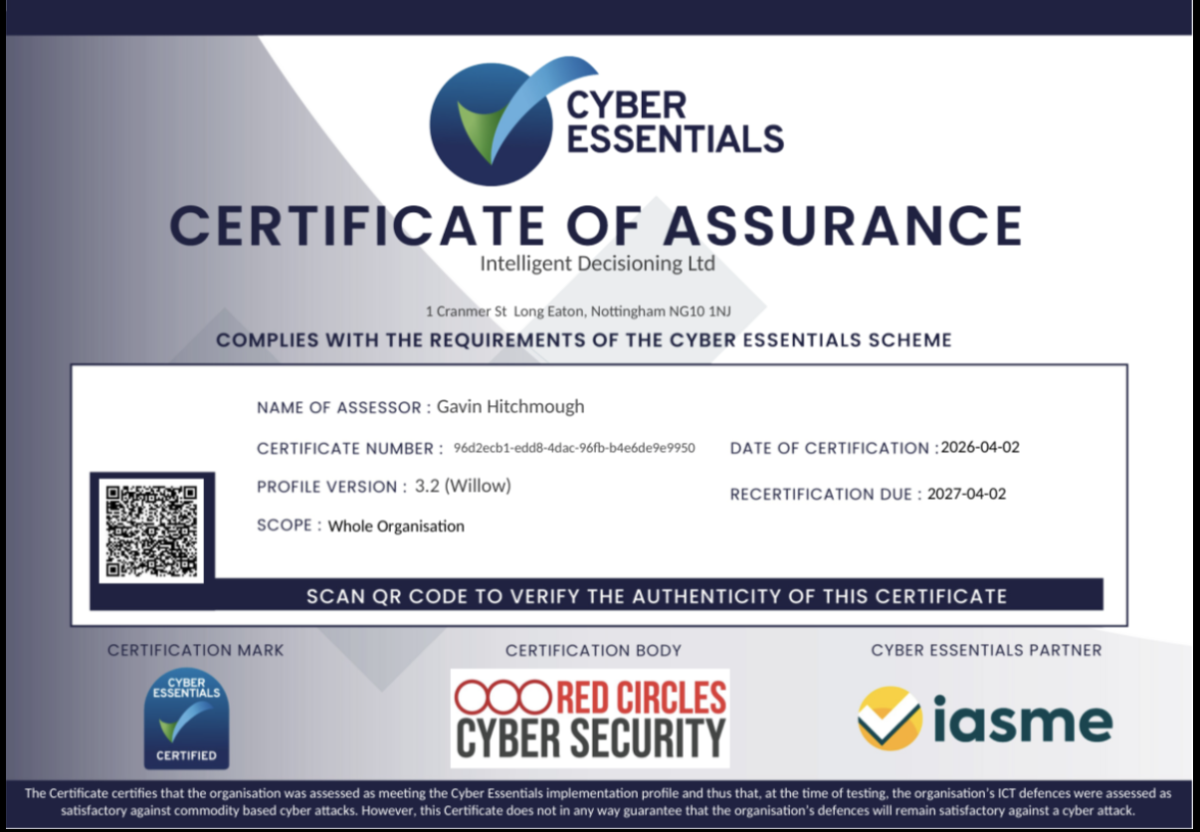
Intelligent Decisioning are proud to announce that they have received reaccreditation for Cyber Essentials (8 years running).
Continued Cyber Essentials accreditation shows a long standing commitment to customer security and information and Intelligent Decisioning will strive to keep up the high levels of security required to keep their own, and their customers data safe.
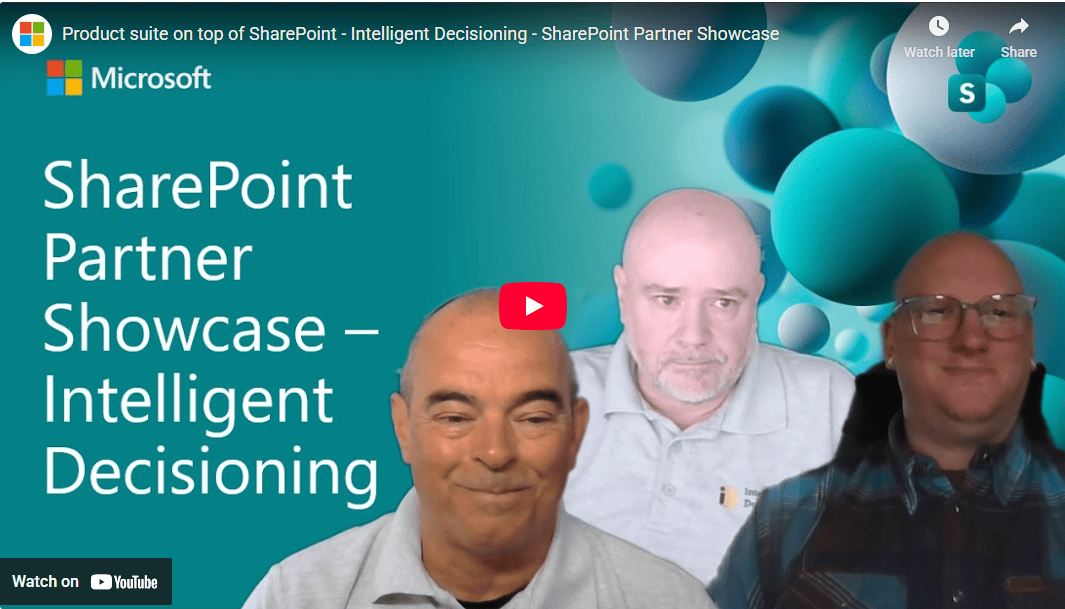
We’re proud to share that Intelligent Decisioning and our product suite — including docCentrum — were recently featured in a Microsoft SharePoint Partner Showcase, hosted by Vesa Juvonen from Microsoft.
The showcase highlights how Intelligent Decisioning builds secure, native solutions on top of SharePoint and Microsoft 365, and forms part of Microsoft’s ongoing partner series that spotlights organisations delivering real‑world value by extending the SharePoint platform in the right way.
Showcasing Intelligent Decisioning’s product suite
In the Microsoft showcase, Tony Pounder (CTO), Andy Smith (Director), and Nick Boden (Content and Collaboration Specialist) joined Vesa Juvonen to discuss how Intelligent Decisioning designs and delivers solutions that work natively within SharePoint and Microsoft 365, rather than alongside or outside the platform.
The session highlights Intelligent Decisioning’s approach to building a cohesive product suite — including docCentrum — using modern SharePoint capabilities and the SharePoint Framework (SPFx), enabling solutions that inherit Microsoft 365 security, identity, and governance controls by design.
docCentrum: Document control built natively on SharePoint
As part of the showcased product suite, docCentrum was presented as Intelligent Decisioning’s document and records management solution, designed to help organisations improve governance, control, and compliance while continuing to work within SharePoint.
By building docCentrum directly on SharePoint, Intelligent Decisioning enables customers to:
Manage documents and records within familiar Microsoft 365 experiences
Strengthen information governance without duplicating content
Leverage SharePoint’s native security and permission model
Reduce complexity while improving control and consistency
These principles align closely with Microsoft’s guidance on extending SharePoint using native frameworks and platform capabilities.
Why this recognition matters
Being featured in a Microsoft SharePoint Partner Showcase is a strong validation of Intelligent Decisioning’s approach to product design and delivery.
Microsoft’s showcase series focuses on partners who:
Build secure, native experiences on SharePoint
Align closely with Microsoft’s platform direction
Help customers get more value from Microsoft 365 without unnecessary complexity
docCentrum’s inclusion as part of this featured product suite reflects Intelligent Decisioning’s commitment to delivering solutions that feel like a natural extension of SharePoint, rather than third‑party add‑ons.
Watch the Microsoft Partner Showcase
You can read the full Microsoft blog post and explore the showcase here:
Product suite on top of SharePoint – Intelligent Decisioning – SharePoint Partner Showcase Published by Microsoft on the SharePoint Blog, hosted by Vesa Juvonen 👉 https://techcommunity.microsoft.com/blog/spblog/product-suite-on-top-of-sharepoint—intelligent-decisioning—sharepoint-partne/4499387
Looking ahead
We’re excited to continue working closely with Microsoft and our customers to evolve docCentrum and the wider Intelligent Decisioning product suite — helping organisations improve governance, simplify collaboration, and build secure digital workplaces on Microsoft 365.
Privacy Policy for Products by Intelligent Decisioning
1. Introduction
Intelligent Decisioning (“we”, “us”, “our”) respects your privacy and is committed to protecting your personal data. This Privacy Policy will inform you as to how we look after your personal data when you use our Product and tell you about your privacy rights and how the law protects you.
2. Personal Data We Collect
We may collect, use, store and transfer different kinds of personal data about you which we have grouped together as follows:
– Identity Data includes first name, last name, username or similar identifier.
– Contact Data includes billing address, delivery address, email address and telephone numbers.
– Technical Data includes internet protocol (IP) address, your login data, browser type and version, time zone setting and location, browser plug-in types and versions, operating system and platform, and other technology on the devices you use to access our Product.
3. How We Use Your Personal Data
We will only use your personal data when the law allows us to. Most commonly, we will use your personal data in the following circumstances:
– Where we need to perform the contract we are about to enter into or have entered into with you.
– Where it is necessary for our legitimate interests (or those of a third party) and your interests and fundamental rights do not override those interests.
– Where we need to comply with a legal obligation.
4. Data Security
We have put in place appropriate security measures to prevent your personal data from being accidentally lost, used or accessed in an unauthorised way, altered or disclosed.
5. Changes to Our Privacy Policy
Any changes we may make to our privacy policy in the future will be posted on this page. Please check back frequently to see any updates or changes to our privacy policy.
6. Contact Us
If you have any questions about this privacy policy or our privacy practices, please contact us at: privacy@id-live.com.
The onboarding process is a critical phase in an employee’s journey, setting the tone for their future in the company. It’s where first impressions are made, and foundations are built. With the digital transformation of workplaces, intranet solutions, particularly SharePoint Intranet, have become indispensable tools in making this experience as smooth and engaging as possible.
The Shift to Digital Onboarding
Gone are the days of paperwork-filled orientations. Today, businesses seek efficiency and engagement from the moment a new hire walks through the door. SharePoint Intranet serves as a centralised platform where all onboarding materials can be accessed, understood, and interacted with, fostering a sense of belonging from day one.
Centralised Information Access
A SharePoint Intranet portal can house all necessary onboarding documents, from HR policies to training modules. It allows new hires to easily navigate through the crucial first steps of their employment without feeling overwhelmed by the volume of new information.
Encouraging Engagement and Connection
Beyond document management, SharePoint Intranet encourages new employees to connect with their peers through social tools integrated into the platform. This social aspect of onboarding is vital, as it builds community ties and assimilates new hires into the company culture swiftly and organically.
Tailored Onboarding Experiences
Every role is unique, and so should be the onboarding process. SharePoint Intranet can be customised to deliver role-specific content, ensuring that from the get-go, employees receive relevant information that’s tailored to their specific job functions.
Tracking Progress and Providing Feedback
Feedback is a two-way street, especially in onboarding. SharePoint Intranet’s tracking capabilities allow HR managers to monitor the progress of new hires, while also providing a channel for these employees to voice their questions or concerns. This feedback loop is essential in creating a dynamic and responsive onboarding experience.
As the corporate world continues to embrace digital solutions, the role of intranet solutions like SharePoint Intranet in employee onboarding has become more pronounced. These platforms not only simplify the onboarding process but also enhance the overall experience for both the employee and the employer.
Intelligent Decisioning understands this nexus and offers expertise in tailoring SharePoint Intranet solutions to meet the nuanced needs of modern businesses, ensuring that the onboarding process is a launchpad for long-term engagement and success.
For companies looking to elevate their onboarding process and employee engagement, click hereto book a free demo.
As we step into the future of artificial intelligence (AI) integration in business, Microsoft’s Copilot has emerged as a game-changing tool. Copilot has introduced a slew of new features and enhancements that promise to transform daily operations for businesses and individuals alike.
GPT-4 Turbo: The New Frontier in AI
A pivotal update in Copilot is the integration of OpenAI’s GPT-4 Turbo. This advanced AI model enhances user productivity by tackling more complex and extended tasks, particularly in areas like searching and writing.
The Creative Edge: DALL-E 3 and Image Generation
Copilot now incorporates the DALL-E 3 model, elevating the quality and accuracy of image creation. This integration broadens the scope of Copilot’s applications, extending its utility to creative and design-oriented tasks.
Microsoft Edge Integration: Streamlining Content Creation
In a significant move, Microsoft has enabled Copilot users to rewrite text directly from websites via Microsoft Edge. This feature simplifies the content creation and editing process, saving valuable time and effort.
The forthcoming Code Interpreter feature in Copilot is set to assist in performing complex technical tasks such as accurate calculations, coding, and data analysis, marking a significant leap in AI-assisted development and problem-solving.
Deep Search: Optimising Information Retrieval
The Deep Search feature, powered by GPT-4, is slated to enhance Bing’s search capabilities. By expanding queries into more comprehensive descriptions, it aims to deliver more relevant and optimised search results for complex topics.
Microsoft 365 Copilot: Unleashing Workplace Efficiency
The general availability of Microsoft 365 Copilot is a major milestone, offering enhanced productivity and creativity tools across widely-used apps. This development is particularly crucial for enterprise customers, as it promises to augment work processes and efficiency.
Copilot Studio: Custom AI Solutions for Businesses
With the introduction of Copilot Studio, businesses can now customize Copilot for Microsoft 365 and build standalone copilots. This low-code tool allows for the creation of custom GPTs and plugins, tailored to specific business needs and scenarios.
The advancements in Microsoft’s Copilot underscore the growing role of AI in enhancing business operations. By harnessing these technologies, businesses can achieve greater efficiency, improved decision-making, and foster innovation. Copilot’s new features represent a significant step toward a more AI-integrated future, offering vast potential benefits for diverse industries and sectors.
In today’s fast-paced business environment, staying ahead of the curve requires not just hard work, but smart work. This is where Intelligent Decisioning steps in, offering a solution that revolutionises the way businesses operate: Microsoft Power Platform. This innovative suite of tools is not just about automation; it’s about transforming your business processes for heightened efficiency and effectiveness.
Why Power Platform?
Microsoft Power Platform is a dynamic, integrated application platform that allows businesses to create and deploy custom solutions tailored to their unique needs. At Intelligent Decisioning, we understand that each business is different, and generic solutions often fall short of addressing specific challenges. With Power Platform, the possibilities are limitless, from automating routine tasks to developing complex business applications.
Streamline and Simplify
One of the core components of Power Platform is Power Automate, a tool designed to streamline business processes through intelligent automation. Whether it’s managing approvals, routing documents, or syncing data across various systems, Power Automate reduces the manual effort required, freeing up your team to focus on more strategic tasks.
Data at Your Fingertips
Power BI, another key element of Power Platform, turns data into insights. In a world where data is king, understanding and leveraging this data is crucial. Power BI provides powerful analytics and visualisation capabilities, making it easier for decision-makers to grasp complex information at a glance and make informed decisions.
Custom Apps, No Code
For businesses needing bespoke solutions, Power Apps offers a no-code approach to app development. This means you can quickly build custom apps that meet your specific requirements, without the need for extensive programming knowledge. It’s about putting the power of innovation in the hands of those who know your business best – you.
Empowering Collaboration
Power Platform isn’t just about individual tools; it’s about how these tools work together and with other Microsoft 365 applications. This integration fosters a more collaborative and interconnected workspace, ensuring that your teams can work together seamlessly, no matter where they are.
Intelligent Decisioning: Your Power Platform Partner
As a Microsoft Gold Partner, Intelligent Decisioning brings a wealth of expertise in deploying and managing Power Platform solutions. Our approach is not just about technology; it’s about understanding your business and tailoring solutions that not only address your current needs but also scale for future growth.
Getting Started
Embarking on the journey of digital transformation with Power Platform is a step towards a more efficient, responsive, and innovative business. With Intelligent Decisioning, this journey is made simpler and more effective. We invite you to discover how our expertise in Power Platform can unlock new potentials for your business. Visit us at www.id-live.com to learn more and take the first step towards automating your path to success.
At Intelligent Decisioning, we believe in harnessing technology to create smarter business solutions. Power Platform is more than just a tool; it’s a pathway to transforming your business processes for a more efficient, empowered future. Let us guide you in unlocking its full potential.
We pride ourselves on having a dynamic and diverse team, each bringing their unique skills and passions to the table. Today, we’re shining the spotlight on Ross Smith, our Agile Technical Team Lead, who shares insights into his daily routine, interests, and the music that keeps him going.
Q&A with Ross Smith
Q: What is your go-to productivity hack?
Ross: “Avoid context switching! Context switching is when you’re jumping between various task and tooling, and since each day at ID can be different it’s important to recognise when you might be attempting to do too much at once. To avoid this every morning, I review my emails and digest what I need to get done each day. I then section out my day to provide enough time for each individual task then tick them off one by one.”
Q: If you could switch roles with anyone in the company, who would it be and why?
Ross: “I’d have to say Nathan Slater. Nathan is one of our developers and if anything, it’d be a chance to go back to my roots at ID. It’d give me an opportunity get my hands dirty working with code and refresh myself on the inner workings of our products once again. Though I’m not sure if Nathan would like to swap with me though!”
Q: Who’s your go-to background music singer while you are working?
Ross: “Knowing my colleagues, some of us are very into our music, this is the question I’m also the most curious to see others answer! Though I have multiple playlists with a lot of hours of music in, if I had to pick someone to listen to in the background I’d say Porcupine Tree. They are a British Experimental/Prog Rock band, so you hit shuffle then enjoy the journey while you work.”
Q: Share a fun fact or a hidden talent about you that no one at the company knows.
Ross: “I really enjoy bouldering. Whereas most my day is spent solving problems at a computer, bouldering lets me do the same thing, but using my body and moving around. The physicality of it helps keep me active, and a little bit appreciative that I get to sit in an office chair every day. Especially after a hard session the night before working on sending something new.”
Q: Do you start your day with coffee or tea?
“Tea! I have a morning routine that’s essentially set in stone that means I’m at my desk with a cup of tea ready to host the daily stand-up call every morning by 9:15am. Though it doesn’t end there. Anytime I feel like I’ve come to a good point in my working day, be it after a long task or series of short ones, I find my self popping the kettle on. Old habits die hard.”
We’re incredibly fortunate to have Ross as part of our team, bringing his unique blend of skills, enthusiasm, and experience to the table. It’s team members like him that make Intelligent Decisioning not just a workplace, but a vibrant community of diverse talents and personalities.
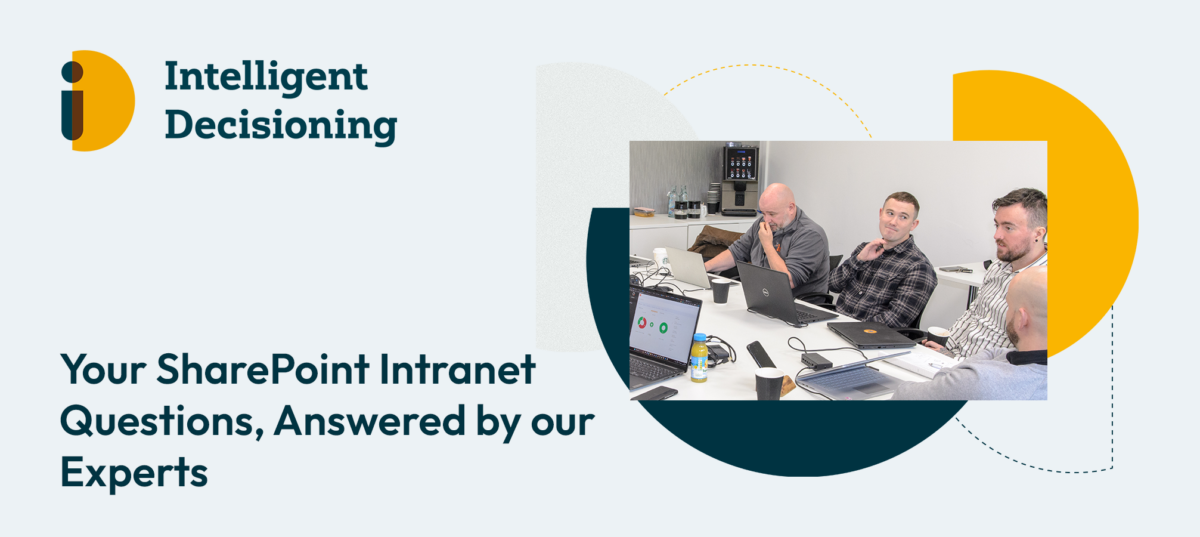
SharePoint intranets can be complex, and we have had a lot of FAQs about it. That’s why we’ve compiled a curated guide addressing the most frequent inquiries to help you know where to start if you are looking for an intranet solution.
1. How to enhance internal communication in a hybrid work environment?
In the evolving landscape of hybrid and remote work, your intranet should mirror the collaborative atmosphere of a traditional office. It’s a digital hub for productivity, collaboration, and access to vital resources. Integrating various communication channels like Outlook, Microsoft Teams, Yammer, or even QR codes can direct users to a central content repository.
2. How to know if our SharePoint Intranet is successful?
A successful intranet enables employees to excel, regardless of their location. It should facilitate seamless collaboration, provide personalised communication, and foster an environment of innovation and internal feedback. All employees should be able to communicate seamlessly and work on projects together, without being physically in the same room. Find out more by booking a demo with us!
3. How to plan and launch an intranet?
Launching an intranet should be a positive experience for everyone involved. We advocate for a multi-faceted approach, focusing on intranet objectives, change management, and content strategy. Our approach to implementing an intranet for you is very customer focused and we make sure that the needs of your organisation are met.
4. How to create a SharePoint intranet portal?
You can opt for an out-of-the-box solution or a custom-built SharePoint intranet. Each has its benefits and considerations, which we explore thoroughly with our clients to help them make the best choice for their organisation. From custom branding to features, everything is possible. The end goal is to facilitate collaboration and communication, easing the sharing of documents and improving employee engagement.
5. How to boost employee engagement on the intranet?
Driving traffic to your intranet involves engaging content, accessibility, and relevance. Ensure your intranet is user-friendly across devices, consistently updated, and aligned with your organisation’s needs.
We are here to simplify your SharePoint intranet journey. We’re committed to providing clear answers that help you enhance communication, create engaging content, and analyse performance to make your intranet a lively and productive space.
Book a free demo today!
Contact us at 0845 643 9726 or visit to learn more about Mercury Intranet and docCentrum.
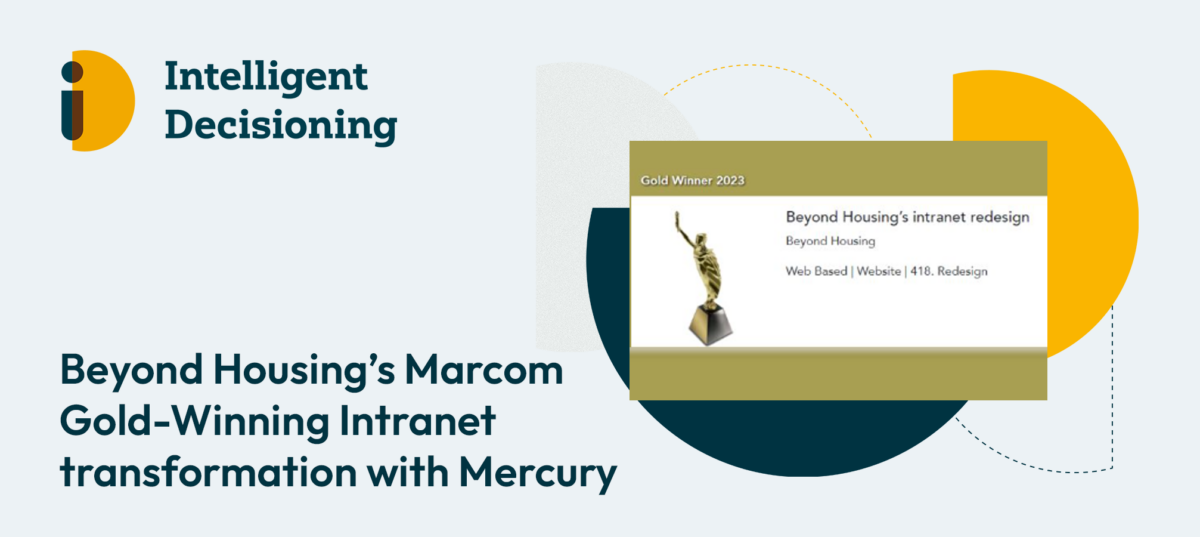
We take immense pride in our commitment to empowering organisations with cutting-edge intranet solutions. Recently, we had the privilege of collaborating with Beyond Housing, a dynamic and forward-thinking organisation, to revamp their outdated intranet and document management system. Today, we’re thrilled to share the incredible success story of how this transformation not only modernised Beyond Housing’s intranet but also earned them the prestigious Marcom Gold award for their newly delivered modern Mercury intranet.
Collaborating closely with Beyond Housing to bring this vision to life was an absolute honour for us. The objective was clear – to modernise their intranet and address their document management needs comprehensively. We recognised the significance of this project and worked hand in hand with Beyond Housing to make their dream of a modern intranet a reality.
“Working with Intelligent Decisioning on the launch of our new intranet has been seamless. Using Mercury Intranet, they transformed the way we collaborate as an organisation and how we share information with colleagues, while providing a much-needed improvement to our digital user experience. With the use of docCentrum, this has transformed the way we store and organise our documents, offering a single source of truth for company-wide documents. Working on this project with Nik and Andy has been a great experience and I would highly recommend Intelligent Decisioning to any potential customers.”
Donna Bill, Digital Marketing Lead at Beyond Housing
The Components of Success
The new solution brought together a powerful combination of elements to fulfil Beyond Housing’s objectives:
Mercury Intranet: This state-of-the-art intranet platform, built on SharePoint, not only provided a modern and visually appealing interface but also perfectly aligned with their branding. It gave colleagues easy access to news, information, integrated business systems, and collaboration tools.
docCentrum Document Management: In their pursuit of more efficient and secure document management, Beyond Housing upgraded their back-end document storage system to docCentrum. This transformation ensured that colleagues could access the correct and up-to-date versions of documents swiftly and securely.
Power Platform: To further streamline operations and foster productivity, web-based forms were replaced with PowerApps, introducing automation and approval processes across various core business functions. Power Automate was also utilised to streamline workflows efficiently.
The Impact Unveiled
The implementation of this new solution unveiled a host of significant benefits for Beyond Housing. Their employees now have access to a stylishly branded intranet that provides easy access to news, information, integrated business systems, and collaboration tools. The modern interface makes navigation a breeze, enhancing the overall user experience.
Additionally, with docCentrum in place, employees can access the correct and up-to-date versions of documents quickly and easily. This not only ensures efficiency but also guarantees security and compliance, a critical aspect in today’s data-driven world.
Lastly, the introduction of PowerApps Forms and Power Automate Workflow was a game-changer. These tools not only streamlined workflows but also introduced automation and approval processes across core business functions, thereby enhancing efficiency and productivity.
A Commitment to Excellence
We are honoured to have Beyond Housing as one of our Mercury Intranet customers. We are proud of their success, and we remain dedicated to providing the best intranet experience possible. Our commitment includes ongoing efforts to enhance Mercury Intranet with new features and improvements to meet the evolving needs.
This triumph is a testament to the power of innovation, collaboration, and dedication. It is a celebration of Beyond Housing’s vision and their commitment to creating a modern and efficient intranet that reflects their mission and vision.
Book a free demo today!
To experience the transformative power of Mercury Intranet, we invite you to book a free demo and embark on your own journey toward a modern and efficient intranet.